
Icon pixel art
190 icons in pixel art, made in Retro Diffusion by 93 creators. Each one shows the prompt, size and style behind it, so you can make your own in seconds.
Style: A 2D pixel art game logo of the title "PROTOCOL PHOENIX", isolated on a transparent background (Note: or write "isolated on a solid black background"…
A pixel-art wordmark “Wayfinder” rendered in glowing, layered hues with soft gradient transitions, detailed brushstroke textures, light dithering effects, and…
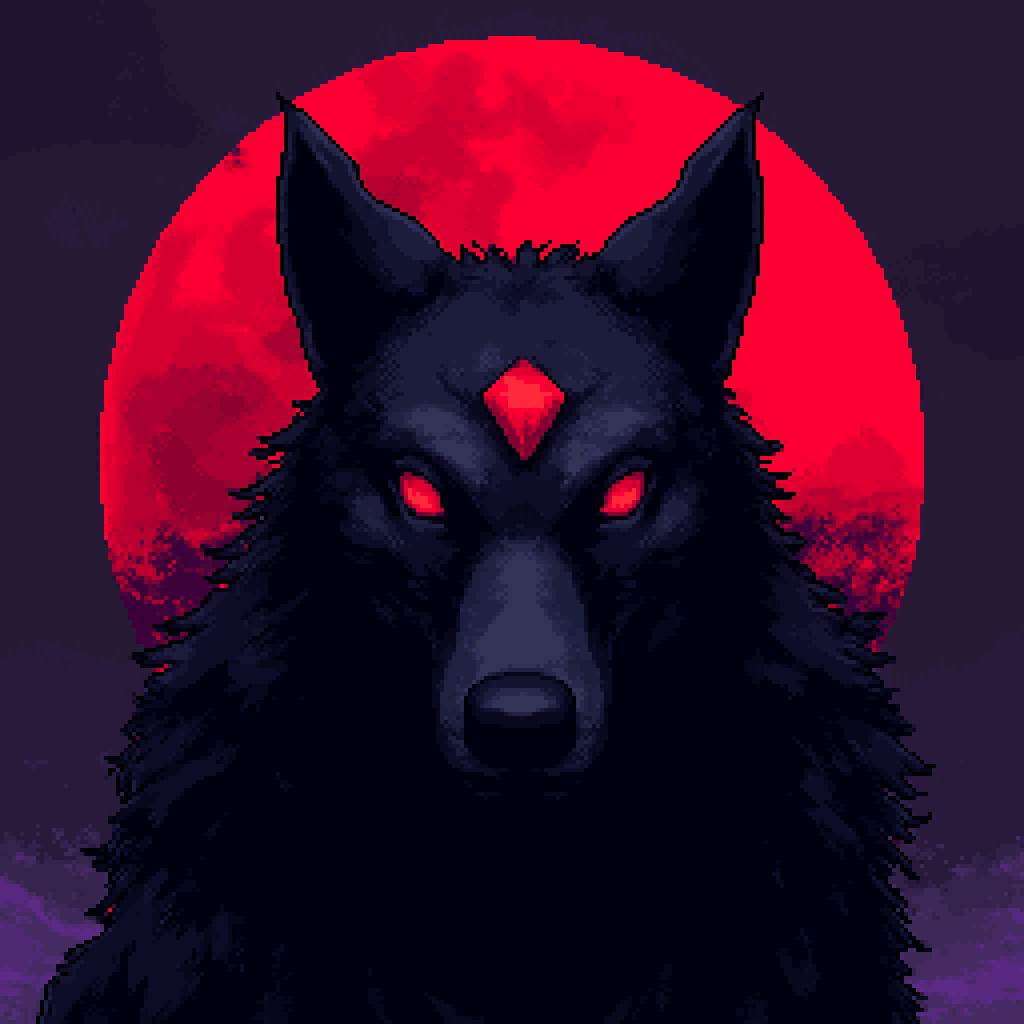
Create a game icon for a dark fantasy 2D pixel-art RPG called Rubyveil. The main subject is a powerful dark wolf facing the viewer, centered and clearly…
Un elegante panel de interfaz de juego en pixel art con estética barroca/rococó. Marco exterior ornamentado con volutas doradas-plateadas, arabescos…

16-bit pixel art, cute anime girl portrait, close-up icon, **happy smiling expression, cheerful eyes**, white hair, bright blue eyes, soft pastel color…

16-bit pixel art, cute anime girl portrait, close-up icon, **angry annoyed expression, crossed eyebrows, pouting mouth**, white hair, bright blue eyes, soft…
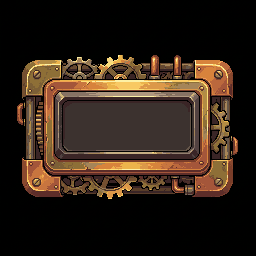
Pixel art UI button, steampunk style, brass and copper texture, rivets on corners, gears on the edges, empty center panel for text, 16-bit style, vibrant…
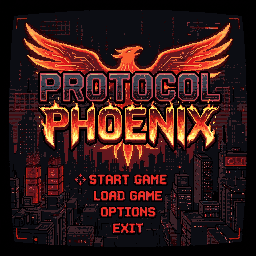
Style: 2D pixel art video game main menu screen, 16-bit retro aesthetic with a CRT monitor filter (scanlines, curved glass distortion, faint chromatic…
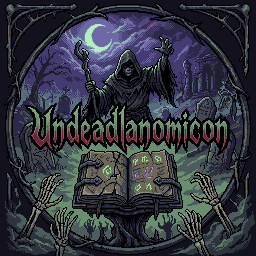
Logo for Undeadlanomicon Undead, lan, necronomicon Necromancer, dark purple and sickly dark green colors...
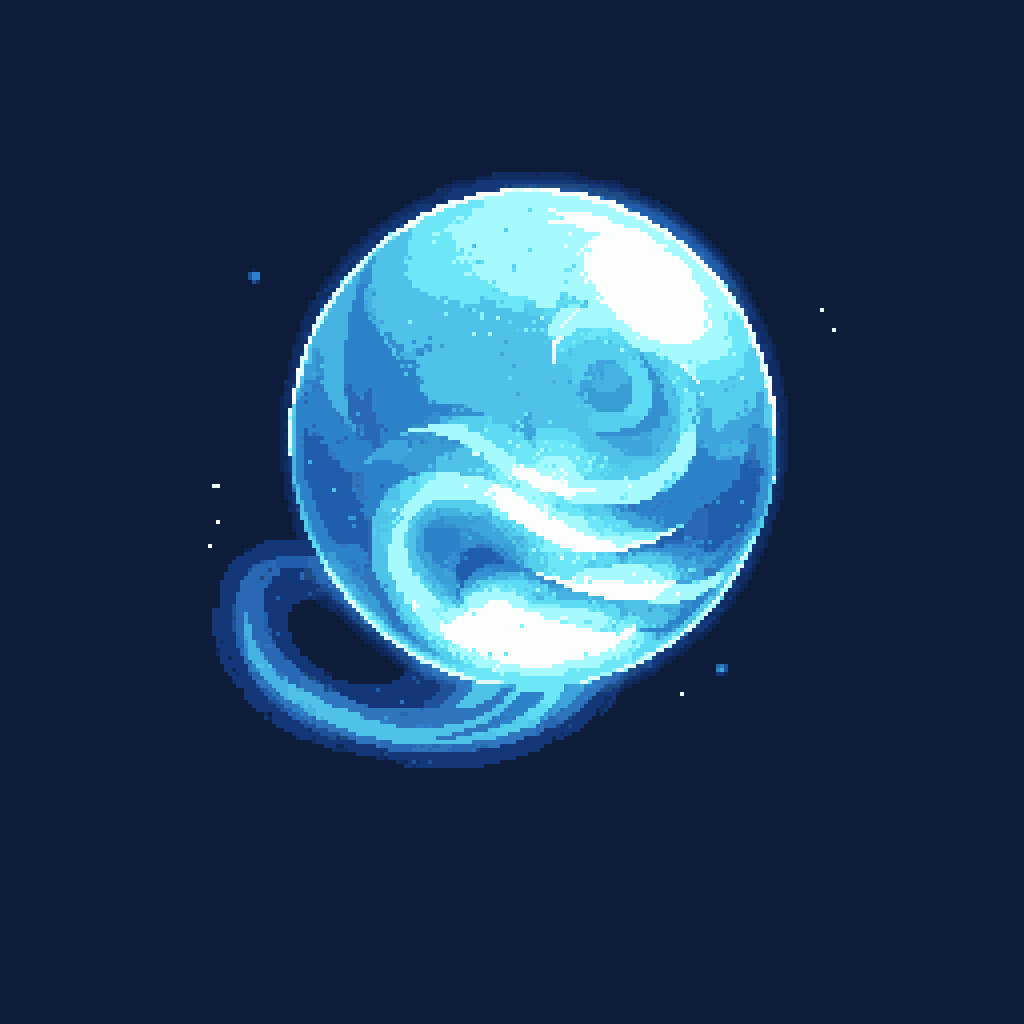
skill icon for skill Phantom Sphere
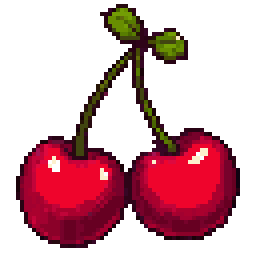
Two cherries rendered as a vibrant, stylized logo icon with bold outlines and saturated colors, pixel-art clean design, balanced symmetry, playful yet crisp…
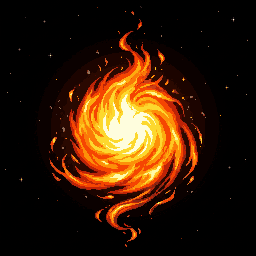
Looping Fireball animation.
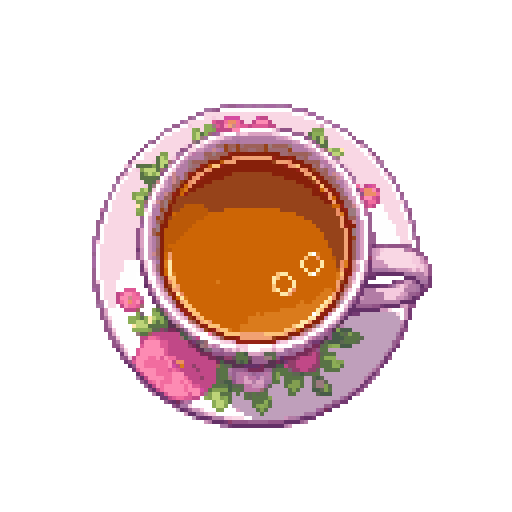
top-down overhead view looking straight down into a pastel floral teacup holding tea, cozy pastel pixel art icon
Professional pixel-art logo for **UNDARIA**, a dark fantasy RPG set in a vast underground world. Unique, handcrafted brutalist and geometric fantasy…
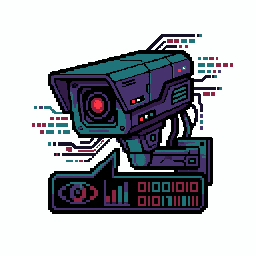
Create a logo featuring a traffic camera. Use the Evangelion color palette, especially purple. The logo shouldn't contain any text. It should have a…
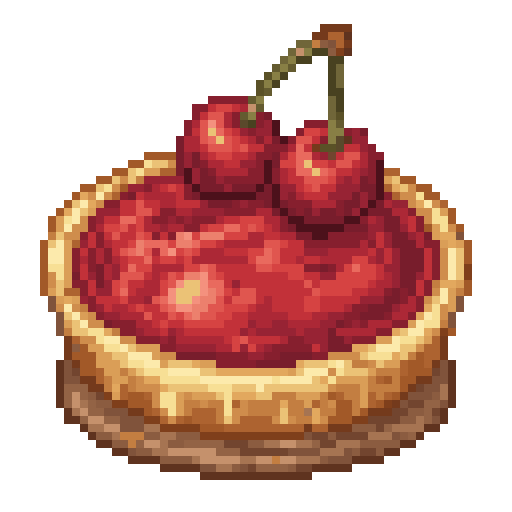
A glossy cherry pie icon rendered in pixel art style, topped with dripping red cherries and flaky crust, centered as a logo with soft warm tones and…

A 16-bit RPG style game logo, a large red SMS speech bubble with an alarm clock inside, filling the frame, centered, limited red palette, solid flat colors,…
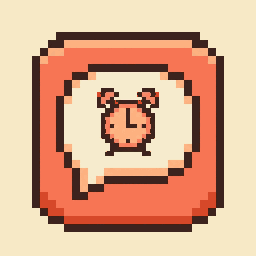
Pixel art app icon for a personal CRM called "Remind". Style: retro 8-bit / 16-bit pixel art, crisp square pixels, no anti-aliasing, no gradients, limited…
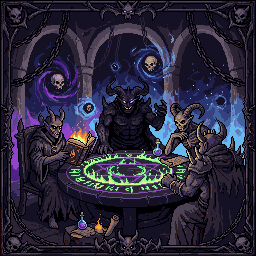
A class icon for a Warlock that features a dark council of four demons
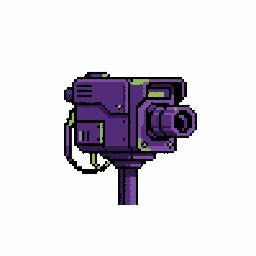
Create a logo featuring a traffic camera. Use the Evangelion color palette, specifically purple. The logo shouldn't contain any text. It should have a…
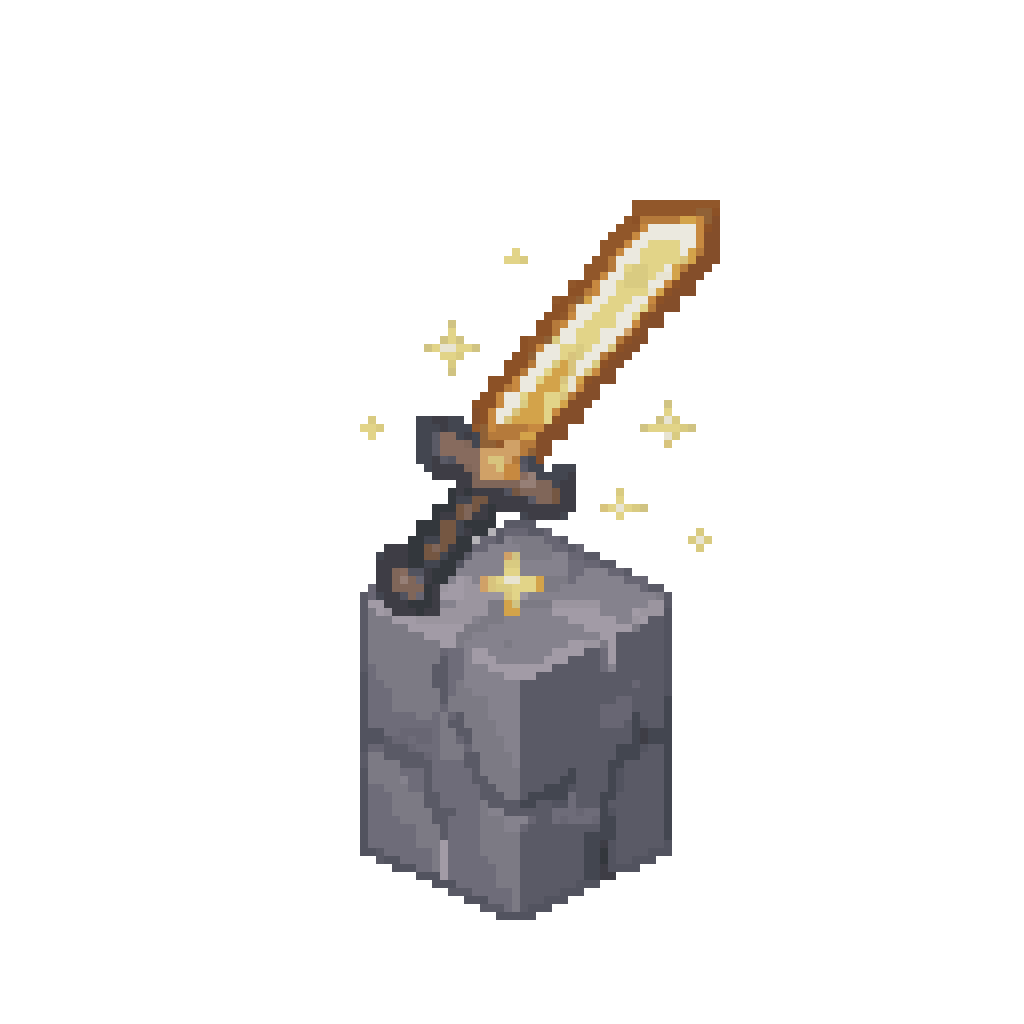
A pixel-art icon for the “Attack Damage” skill attribute, styled as a glowing sword hovering over a cracked stone pedestal in Minecraft fantasy aesthetic,…
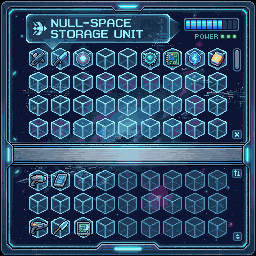
Minecraft custom chest GUI, sci-fi theme, 256x256, pixel art, clean user interface
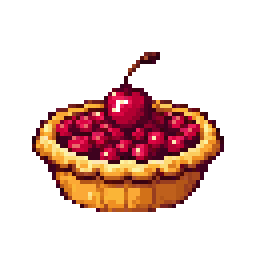
Cherry pie logo icon
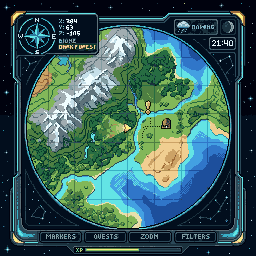
custom gui for minecraft 256x256 about map
190 icons in pixel art, made in Retro Diffusion by 93 creators. Each one shows the prompt, size and style behind it, so you can make your own in seconds.
The most common size for icons here is 256×256, and the most used style is Default.
Every image is real pixel art on a true grid with a limited palette, ready to drop into a game. Open one to copy its settings, or start from the Default style with your own prompt.
How do I make icon pixel art?
Describe the icon in a short prompt, pick a style (Default is the most used for icons here) and a size such as 256×256, then generate. Retro Diffusion draws on a real pixel grid, so the result is game-ready.
What size should an icon sprite be?
Most icons in this gallery are 256×256, 64×64, 128×128 pixels. Small sizes (32×32, 64×64) suit icons and characters; larger ones suit scenes.
Can I use icons I make in my game?
Yes. These examples were made by the community and are shown for inspiration. Pixel art you generate yourself is yours to use, including in commercial games.