Why AI pixel art looks wrong and how to fix it
Most AI pixel art isn't real pixel art. Why image models smear the grid, blur and flicker, how to spot it in seconds, and how to fix it for free.
 AstropulseApril 1, 2026 · 8 min read
Most AI pixel art isn't actually pixel art. Zoom in and the illusion breaks: blocks of different sizes, soft edges, single "pixels" made of three smeared colors. It looks right as a thumbnail and falls apart the moment you drop it into a game.
This guide covers what real pixel art is, why AI models get it wrong, how to spot fake pixel art in seconds, and what you can do about it, both for images you already have and for new ones.
What is pixel art?
Pixel art is an image made of square pixels of one consistent size, with a deliberately limited palette, where every pixel is placed on purpose. Stricter definitions add the classic techniques: perfect lines, controlled dithering and very little anti-aliasing.
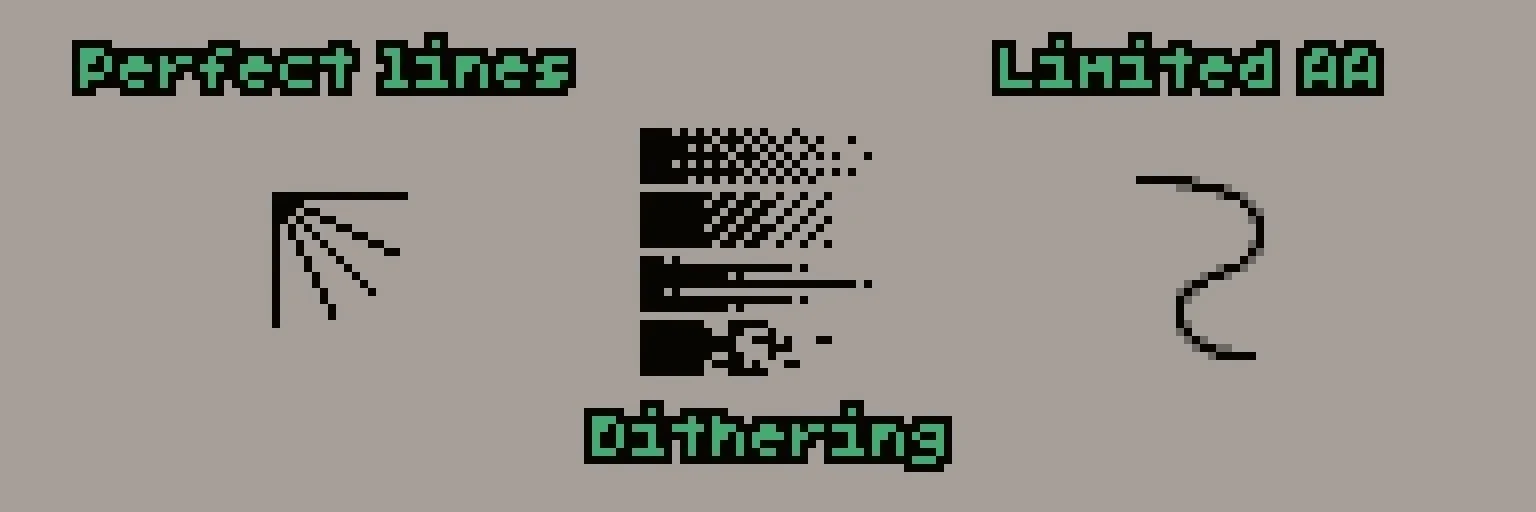
The medium is built on limits: resolution, color count and style. Those limits are the look. That's why modern pixel art avoids a short list of effects:
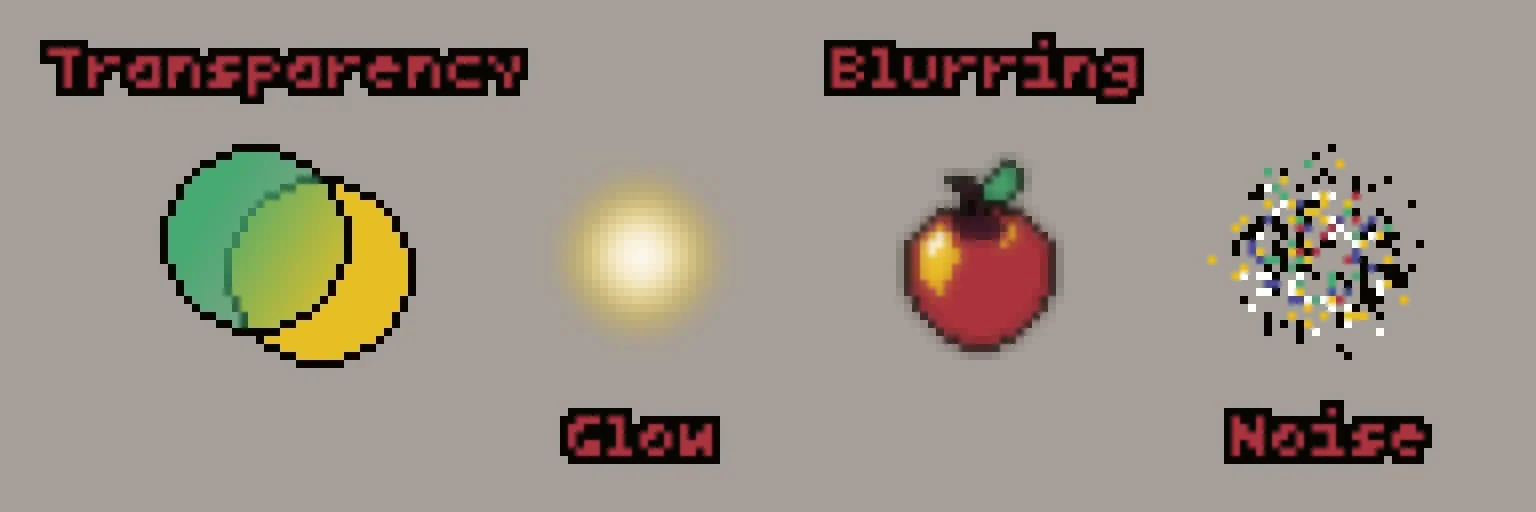
- Partial transparency blends colors you never chose.
- Glow and blur make soft edges, the opposite of a pixel grid.
- Noise means random pixels and detail in places that don't matter.
Why AI image models get pixel art wrong
Every effect on that list is something image models do by default. They're trained on millions of smooth, detailed images, and they generate in compressed patches rather than individual pixels. Ask for pixel art and you get a painting of pixel art: the right mood, but no real grid underneath.
The typical symptoms:
- Off-grid pixels. "Pixels" drawn at an odd size (3.37 screen pixels each, say) and drifting across the image.
- Mixed pixel sizes. Big blocks next to small ones in the same sprite.
- Hundreds of colors. Near-identical shades instead of a palette.
- Soft edges and glow. Anti-aliasing everywhere, which breaks transparency in a game engine.
- Shapes that don't hold. Outlines that wobble and details that turn to mush at 1x.
How to spot fake pixel art in 10 seconds
- Zoom to 800%. Every pixel should be one solid square of one color, all the same size.
- Count the colors. Hand-made sprites usually use 8 to 32. AI images often have hundreds.
- Check the edges against a dark and a light background. Halos mean semi-transparent pixels.
- View it at 1x, its real size. If you can't read it there, it isn't working as pixel art.
How to fix AI pixel art you already have
AI pixel art usually has a real grid hiding underneath. It's just drawn at the wrong size and smeared at the edges. Find that grid, give every cell one color, and you get real pixels back.
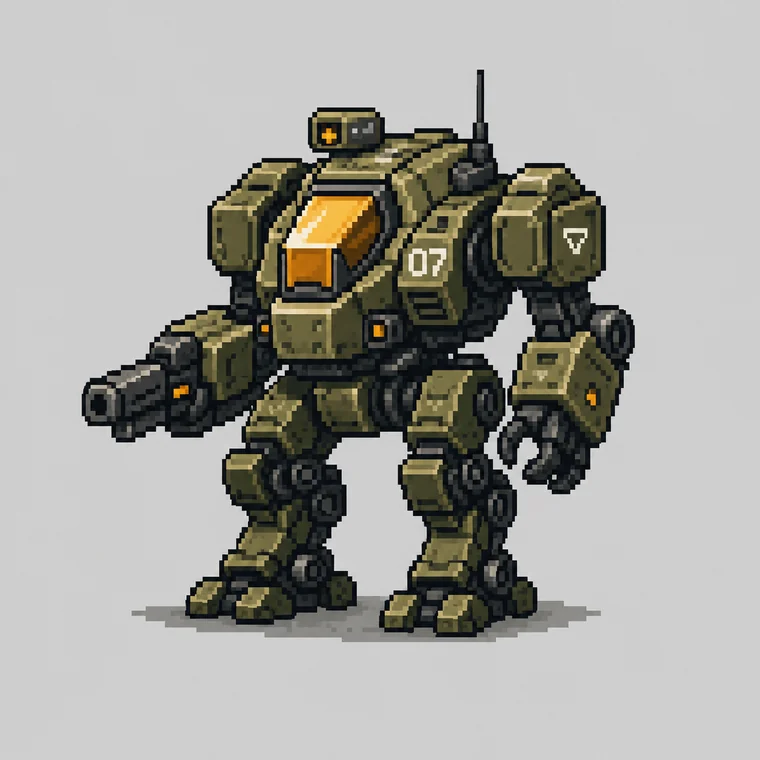
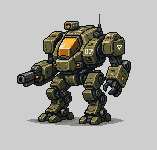
Here's a 760 px AI "pixel art" mech, and the same image after the Pixel Art Fixer found its grid: 157x150 real pixels. Drag to compare.
 AI imagePixel Art Fixer
A good cleanup order for any AI sprite:
- Snap it to its grid with the Pixel Art Fixer.
- Reduce the colors to a real palette with the Color Reducer, or match your game's palette with the Palette Converter.
- Check it at 1x in your game, against your real backgrounds.
Where fixing stops working
Snapping fixes alignment. It can't fix intent. If the model never understood the shapes it was drawing, you get "steps": runs of pixels that don't follow the form, outlines that wobble, eyes two pixels off.
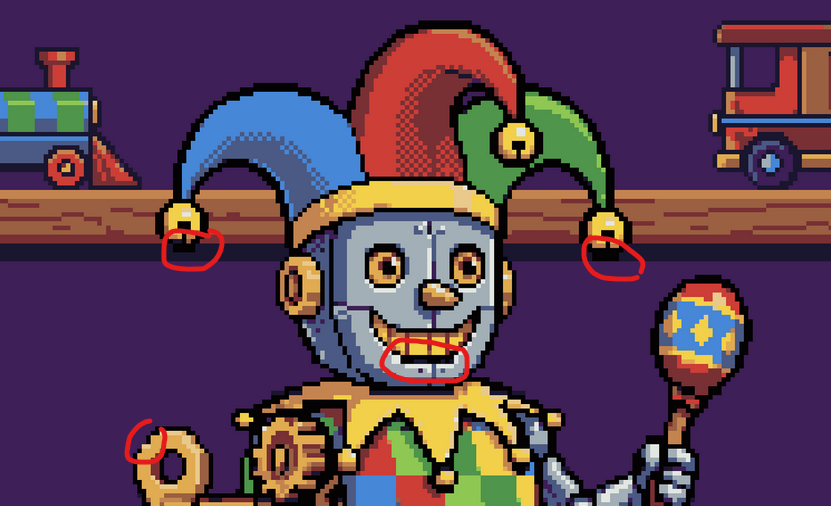
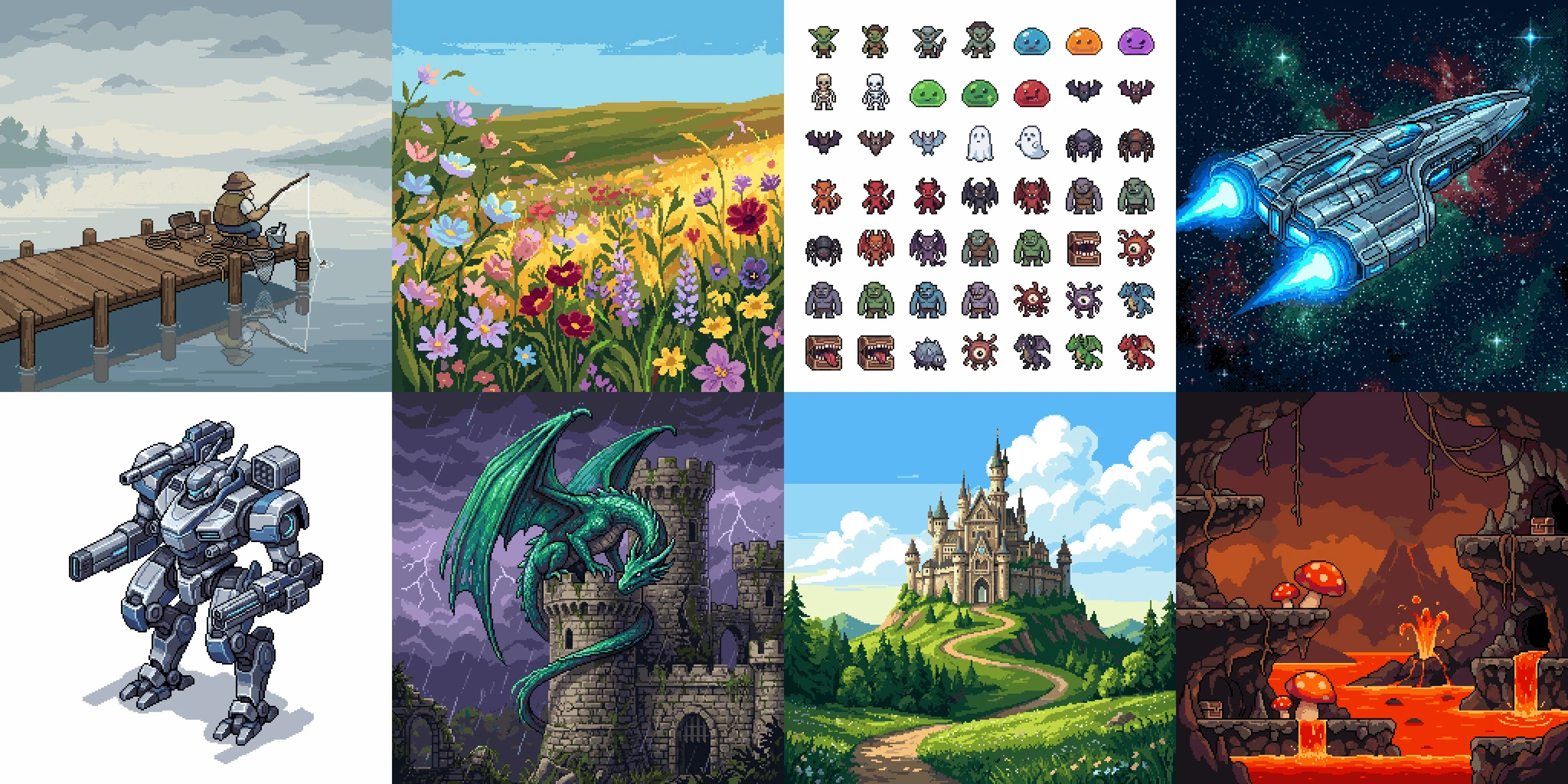
The more off-grid the starting image, the worse the steps. General models like Nano Banana can get close, but they still miss perfect alignment and give you little control over style. For clean results, the model has to understand the grid from the start.
That's why Retro Diffusion uses its own pixel art models (most of them trained by @nerijs), plus off-the-shelf models with input and output conditioning and dedicated pixel art pipelines.
Animation makes everything harder
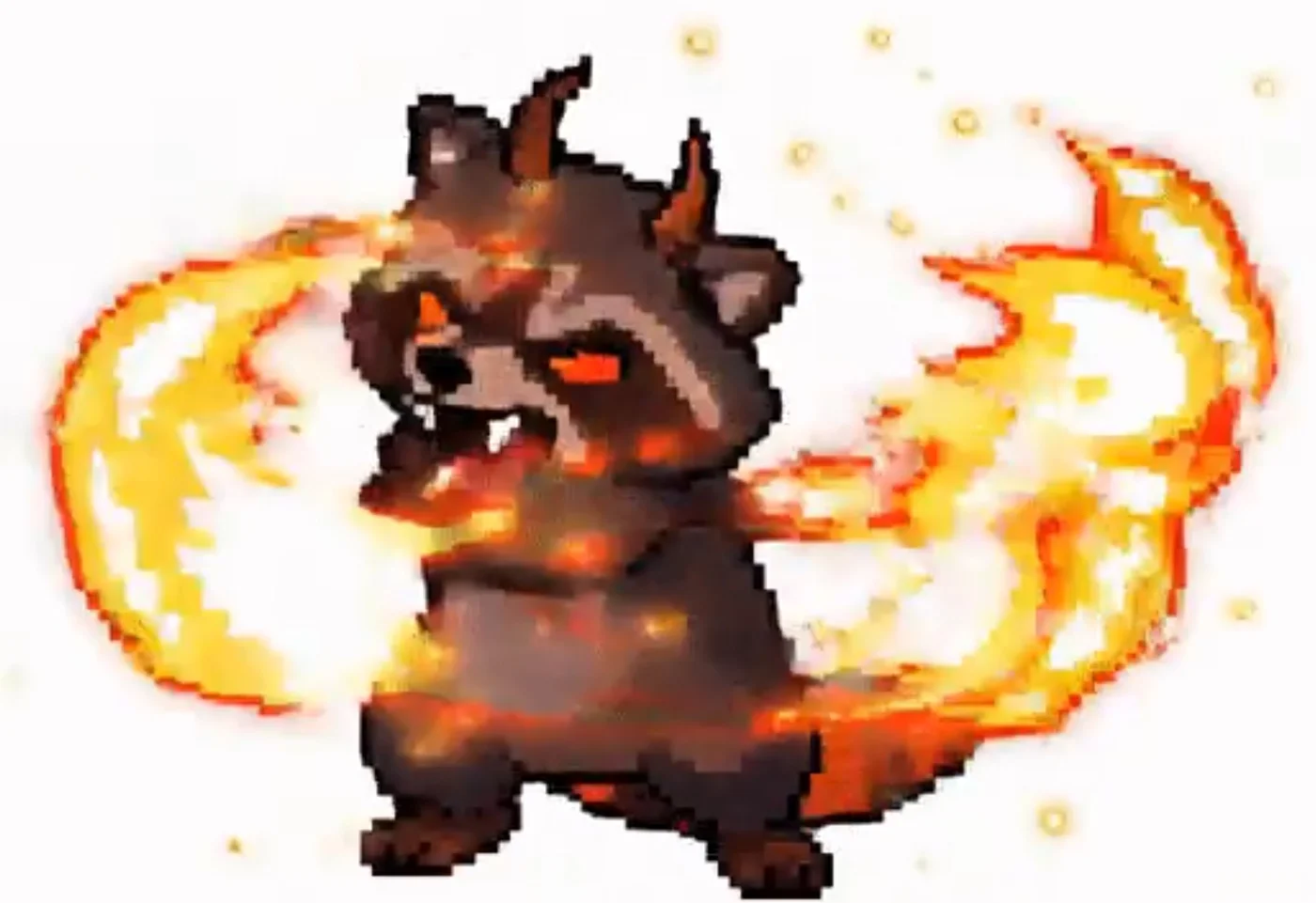
An animation needs clean pixels, solid shapes and consistency across every frame. Video models are trained to smear and blur motion like real footage, which is exactly wrong for pixel art.
The failures stack up: blurry pixels, mutating shapes, motion that's smoothed instead of keyed, and whole sprites sliding across the grid instead of animating crisply. Dropping the frame rate doesn't help, because most individual frames are unusable:
Good pixel art animation follows a few rules:
- Only the frames the motion needs, matching your game's frame rate.
- Each action happens once per cycle.
- Pixels never squish, stretch, rotate or blur.
- Every frame works on its own as a clean sprite.
Getting there takes purpose-built models and strict filtering:
The takeaway
- Looking like pixel art is easy. Almost every model can do it now.
- Being usable as pixel art is hard: a consistent grid, a limited palette, intentional shapes and clean animation.
- For images you already have, snap, reduce and check at 1x, with free tools.
- For new art, use models that draw on the grid in the first place.
New "AI pixel art" sites appear every month, especially for animation, and most fall short because they treat pixel art as a filter. Its rules are a huge part of what makes the medium beautiful, and they deserve to be done properly.
Frequently asked questions
Why does AI pixel art look blurry when zoomed in?
Image models generate smooth, detailed images in compressed patches, not individual pixels. Their "pixels" are drawn at an odd size, smeared at the edges and mixed with hundreds of near-identical colors.
How do I fix AI-generated pixel art?
Snap it to its real grid with a tool like the free Pixel Art Fixer, reduce it to a limited palette with a color reducer, then check it at 1x. This fixes alignment and colors, but not badly formed shapes.
How many colors should pixel art have?
Most sprites use 8 to 32 colors. Fewer colors make every one count and keep a set of assets consistent.
Can AI make real pixel art?
Yes, with models built for it. Retro Diffusion's models generate on a real pixel grid with a limited palette, including animations, instead of imitating the look.
Why is AI pixel art animation so hard?
Video models are trained to make smooth, blurred motion. Pixel art animation needs crisp, keyed frames where pixels never stretch or blur and every frame works on its own.