Generating 32,000 pixel art images for $400
Packing 16 images into every generation cut the cost of 32,000 RD Pro pixel art images from $5,760 to about $400. The method, checks and calculator.
 AstropulseOctober 17, 2026 · 7 min read
Generating 32,000 pieces of pixel art one at a time with Retro Diffusion's best model would cost $5,760. We did it for about $400, with the same model and the same quality. The trick: one generation, sixteen images.
This post walks through the real project: the math, the packing method, what keeps quality high, and how to apply it to your own game assets.
The project: art for every named color
Color Names by @meodai is an open list of over 32,000 named colors. The question was simple: what would it cost to give every color its own piece of pixel art?
At one image per generation, Retro Diffusion's three main models price out like this:
| Model | Per image | 32,000 images |
|---|---|---|
| RD Fast | $0.03 | $960 |
| RD Plus | $0.06 | $1,920 |
| RD Pro | $0.18 | $5,760 |
RD Pro has by far the best quality and prompt following, but $5,760 is a lot for a donation-supported project. Even RD Fast adds up.
The trick: pack the canvas
Each image only needed to be 64x64. RD Pro generates at 256x256. So instead of one image per generation, each generation drew a 4x4 grid of sixteen different 64x64 images, each with its own prompt.
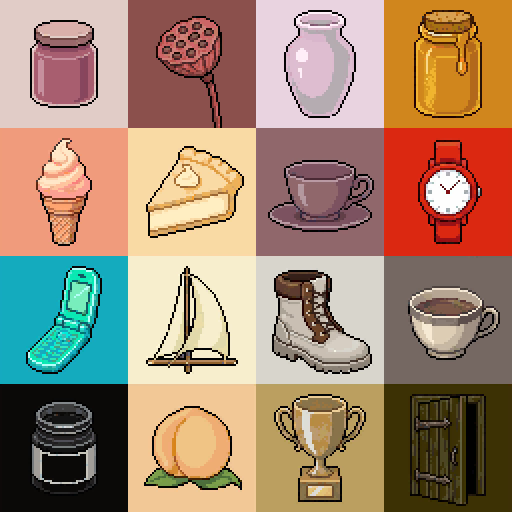
That brings RD Pro down to $0.011 per image, cheaper than RD Fast, and the whole project from $5,760 to $360 before checks and retries.
The same idea works for any small asset: icons, items, portraits, tiles, emoji, card art. Try your own numbers:
| Model | One per generation | Packed | Images per gen | Per image |
|---|---|---|---|---|
| RD Fast | $30.00 | $1.89 | 16 | $0.0019 |
| RD Plus | $60.00 | $3.78 | 16 | $0.0038 |
| RD Pro | $180 | $11.34 | 16 | $0.011 |
What keeps packed images clean
Sixteen images on one canvas can bleed into each other. Four things kept them separate:
- Group similar colors per sheet. Images with related palettes share a generation, so no cell leaks color into its neighbor.
- Use a custom style. The project had its own style for a consistent look. Styles can be created through the API, so an AI agent can make them for you.
- Give a clean reference image with strong contrast between object and background, so every cell knows where its subject ends.
- Check everything automatically. An LLM wrote the sixteen prompts for each sheet, and a vision model checked every result. Anything that failed was regenerated.
Total, including the LLM prompts, quality checks and retries: about $400 for 32,000 images, generated in a few hours.
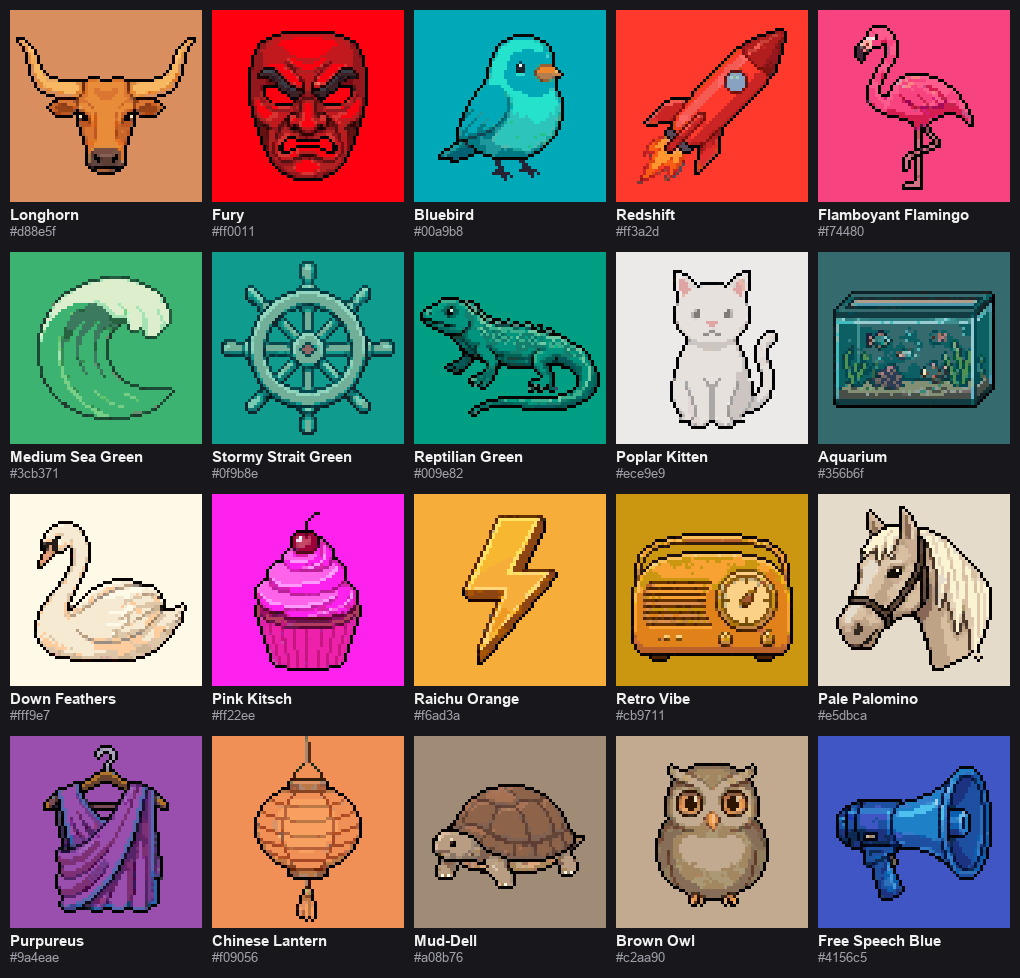
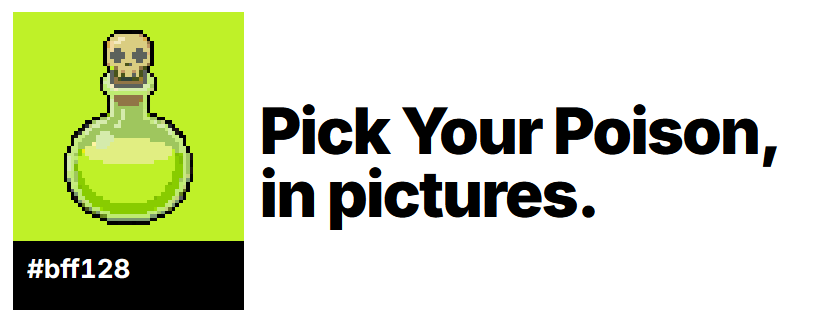
Each one now lives on its color's page, like Pick Your Poison:
How to do this for your own game
- Pick the cell size your assets need (16, 32, 48 or 64 px) and see how many fit on one canvas.
- Batch your prompts in groups that share colors and subject type: all potions together, all weapons together.
- Generate through the API, so a script handles the prompts, the sheets and the retries.
- Slice each sheet into separate files.
- Run a quality pass and regenerate failures. Regenerating one bad sheet costs a single generation.
Slicing packed sheets
Once you generate packed sheets, you need to split them. The free Sprite Sheet Slicer finds the grid (even when cells touch with no gaps) and exports every image as its own file:
When packing isn't the right call
- Large images (128 px and up) leave too few cells per canvas to save much.
- Very different subjects or palettes in one sheet bleed into each other more. Group them first.
- Hero art that needs a full canvas of detail should get its own generation.
Why it matters
No traditional art pipeline would ever produce 32,000 unique pieces of art for a color-naming project. It was never going to be affordable. Now it costs less than a single commissioned illustration.
Retro Diffusion powers hundreds of projects like this, many generating art on the fly through the API. If you have an idea and don't know how to generate the assets for it, get in touch: there's a good chance it's possible.
Frequently asked questions
How much does it cost to generate pixel art with AI?
With Retro Diffusion, RD Fast is $0.03 per image, RD Plus $0.06 and RD Pro $0.18. Packing several small images into one generation brings RD Pro to about a cent per 64x64 image.
Can I generate many pixel art assets at once?
Yes. Draw a grid of small images in one generation (16 images of 64x64 fit on a 256x256 canvas), then slice the sheet apart with a sprite sheet slicer.
Does packing images lower the quality?
Not when the images in a sheet share similar colors and the reference image separates subject from background clearly. Automatic checks catch the rare failures, which are regenerated.
Can I automate this with an API?
Yes. Retro Diffusion's API supports generation, custom styles and reference images, so a script or AI agent can run the whole pipeline.